
1. Welcome to Kyprium
Kyprium is Cyprus's graduate-focused careers platform. As a University of Limassol student or graduate, you get a verified UoL badge that appears next to your name on every application, plus free access to premium AI tools and automatic matching to Cyprus roles once your profile is complete.
2. Sign up with your UoL email
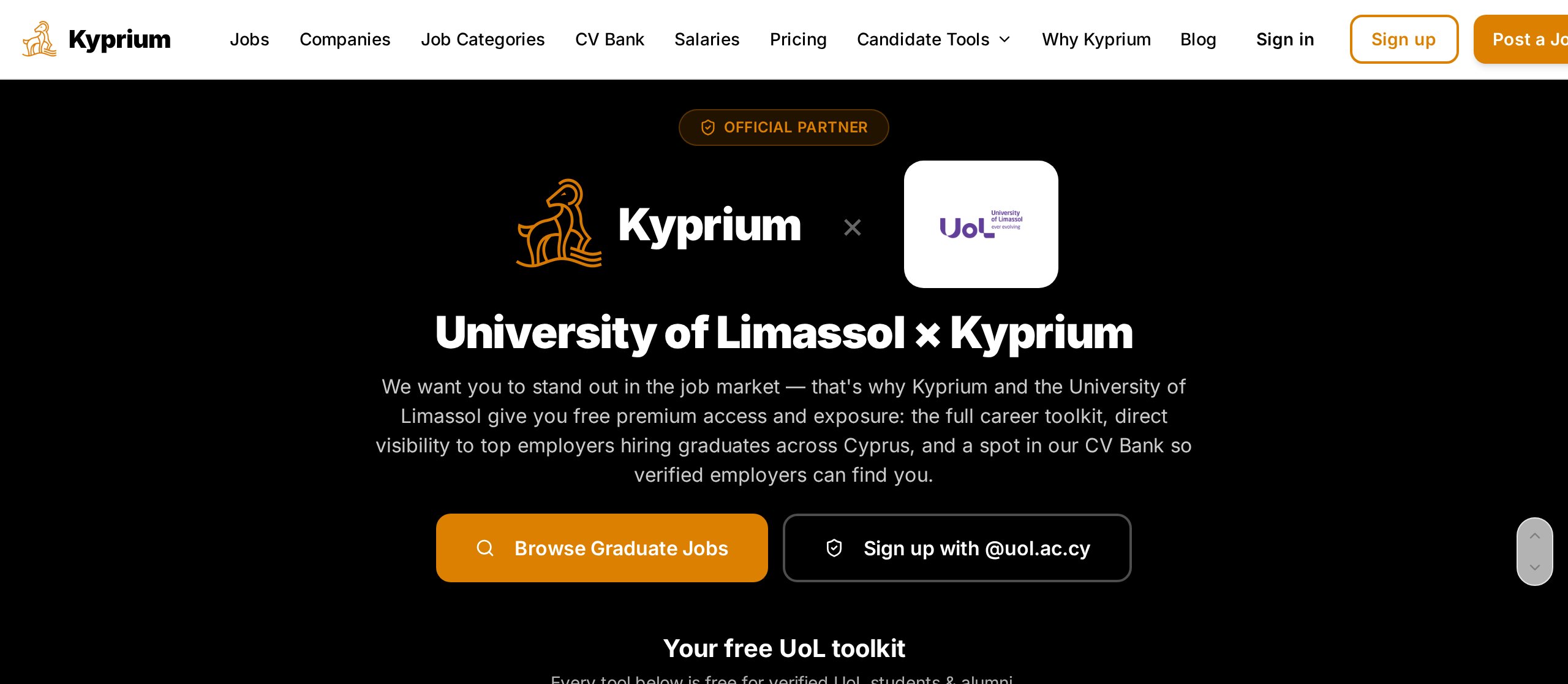
Go to the UoL sign-up page and use your @uol.ac.cy email. This is what auto-verifies you as a UoL graduate and turns on the badge.
- Enter your first name, last name, and UoL email.
- Choose a strong password (min 8 chars, mixed case, number, symbol).
- Open the verification email in your UoL inbox and click the link.
- You'll land straight on your candidate dashboard, badge active.
3. Switch to your personal email
Your UoL email won't work forever after you graduate — so once you're signed in, switch to a personal email you'll always have (Gmail, Outlook, iCloud, etc.). This keeps your account, applications and your verified UoL badge alive for the rest of your career.
- Open your candidate dashboard.
- Find the "Sign-in email" card and click "Change email".
- Enter your personal email — we'll send one verification link to that new address.
- Click the link. Your sign-in email is updated immediately and you're signed out to log back in with the new address.
4. Your dashboard tour
The dashboard is your home base. From top to bottom you'll find:
- Career Quests — small missions that unlock free credits.
- Smart Match — jobs picked for your profile with a fit score.
- Saved & Applied — track every role you've saved or applied to.
- Credit card — your Kyp Credits balance and how to earn more.
- Graduate Perks — your UoL-only bonuses.
- AI Toolkit — quick access to every tool below.
5. Kyp Credits explained
Credits power the AI tools. You never pay — you earn them by using the platform.
How you earn credits
- · +5 credits when you sign up
- · +2 credits every week, automatically (capped at 6 in your balance)
- · +6 credits monthly UoL bonus (verified graduates only)
- · +3 credits when a friend signs up with your referral link
- · +1 credit each time you apply to a job on Kyprium
What tools cost
| Tool | Cost per use |
|---|---|
| AI Career Coach | 1 credit |
| CV Match Scan (pre-apply) | 1 credit |
| Cover Letter Builder | 1 credit |
| CV Builder | 1 credit |
| Exam Practice | 3 credits |
| Interview Simulator | 3 credits |
6. Complete your profile — get matched
Matching only works once your profile is complete. Answer the five job-alert questions and add your CV — then Kyprium matches you to Cyprus roles automatically and employers can invite you to apply, with your UoL badge next to your name.
- Open the My profile & CV card on your dashboard.
- Upload a PDF or DOCX. Add your target role and location.
- Pick your availability status — Actively looking, Open to offers, or Not looking.
- Answer the 5 job-alert questions so matching knows what you want.
- Toggle visibility off any time if you want to pause employer outreach.
7. AI Tools
Every tool is free for UoL graduates as long as you have credits.
AI Career Coach
Chat with an AI coach that knows the Cyprus market. Ask about roles, salaries, next steps.
CV Builder
Auto-drafts a graduate CV from your profile in seconds. Supports BSc, MSc and PhD levels with "still studying / already graduated" toggles.
Cover Letter Builder
Paste a job description, get a personalised cover letter you can download as a PDF.
CV Match Scan
Before you apply, see your fit score and what's missing from your CV vs the job.
Exam Practice
AI-generated practice questions for common assessments (aptitude, English, numerical).
Interview Simulator
Realistic role-specific interview practice with instant feedback and scoring. Open it from your dashboard after you apply to a job.
8. Finding & applying to jobs
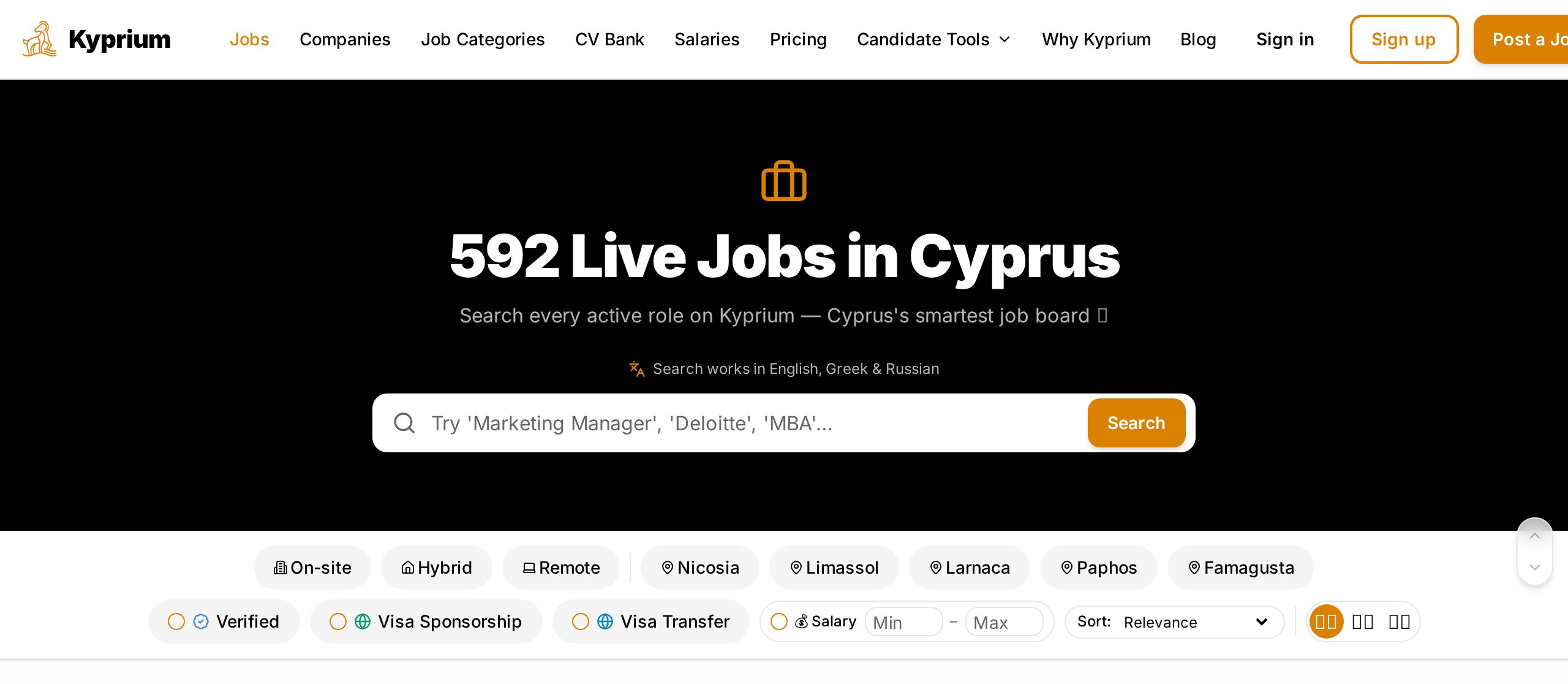
Use /jobs to search everything, or browse by category and city. Filter by location (all 5 districts + Remote), employment type, and salary. On the UoL hub you can also filter graduate roles by experience level — internship, entry level, or junior.
- Internal apply — one-click with your Kyprium profile. The employer sees your UoL badge.
- External apply — links out to the employer's own careers page. We still track it in Saved & Applied.
- Saved Jobs — bookmark anything, even before signing in.
9. Getting help
Stuck on something? Email us at info@kyprium.com — we usually reply the same day. You can also come back to the UoL × Kyprium hub any time.
You're all set.
Sign up with your UoL email, upload your CV, and let Kyprium do the rest. Καλή επιτυχία!